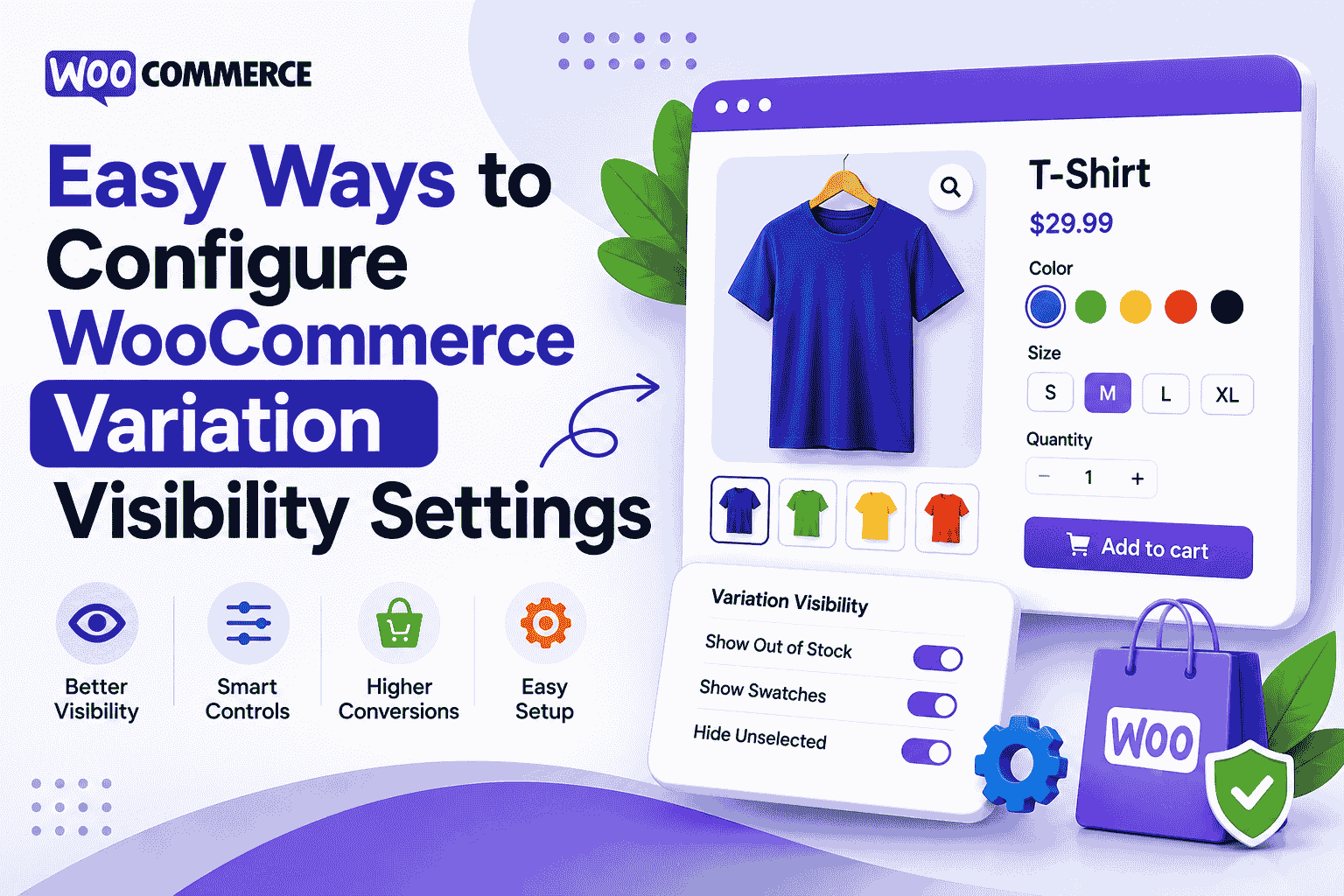
Easy Ways to Configure WooCommerce Variation Visibility Settings
-

- June 12th, 2026
- 74 views

FREE SEO Topical Map Generator: Find Your Next Content Ideas
Online stores often struggle with product options that feel messy or confusing for shoppers. If customers can’t quickly see the right size, color, or style, they usually leave without buying.
That’s where managing WooCommerce Variations properly makes a real difference. With the right setup, you can keep product pages clean, improve user experience, and help shoppers reach checkout faster.
What are WooCommerce Variations?
In simple terms, WooCommerce Variations are different versions of a single product. For example, a T-shirt can come in multiple sizes (S, M, L) and colors (red, black, white).
Instead of creating separate products for each option, WooCommerce allows you to group them under one product using attributes.
This helps keep your store organized, but only if variation visibility is configured correctly.
Why Variation Visibility Matters
Not all customers interact with product options the same way. Some want to see everything upfront, while others prefer a clean and minimal layout.
If variation settings are not optimized, you may face:
- Confusing product pages with too many dropdowns
- Hidden options that users don’t notice
- Slower buying decisions
- Lower conversion rates
Good visibility settings for WooCommerce Variations help solve these issues by making product choices more intuitive.
Easy Ways to Configure WooCommerce Variation Visibility Settings
Let’s go step by step through practical ways to improve how variations appear on your store.
1. Use Clear Attributes for Better Structure
Start by organizing your product attributes properly. This is the base of all variation settings.
For example:
- Size: Small, Medium, Large
- Color: Black, Blue, White
Keep naming consistent. Avoid mixing formats like “Blk” and “Black” in the same store.
Clean attributes make WooCommerce Variations easier to manage and display.
2. Choose the Right Variation Display Type
By default, WooCommerce shows variations in dropdown menus. While this works, it’s not always the most user-friendly option.
You can improve visibility by switching to:
- Radio buttons
- Color swatches
- Image-based selection
These options make it easier for customers to see what they are choosing without extra clicks.
3. Enable Out-of-Stock Visibility Control
One common mistake store owners make is hiding out-of-stock variations completely.
Instead, consider showing them but marking them clearly as unavailable. This helps customers:
- Understand demand
- Avoid confusion
- Plan future purchases
It also keeps your product layout consistent.
4. Use Smart Display Plugins for Better Control
If you want more flexibility, you can use tools designed specifically for variation management.
One useful option is the Smart Variations and Attributes Display for WooCommerce plugin.
It helps you improve how variations appear on product pages without heavy customization.
5. Improve Variation Selection Speed
Speed matters in ecommerce. If selecting a variation feels slow, users may abandon the page.
To improve this:
- Reduce unnecessary attributes
- Avoid duplicate variations
- Use AJAX-based loading if possible
- Keep variation combinations limited to meaningful options
A smoother selection flow improves both UX and sales.
6. Keep Product Pages Visually Clean
Too many variation options can overwhelm users.
A good approach is:
- Show only important variations first
- Group similar options logically
- Use visual selectors instead of long text lists
Clean design helps customers focus on what matters—choosing the right product.
Quick Comparison: Default vs Improved Variation Setup
| Feature | Default WooCommerce | Optimized Setup |
|---|---|---|
| Variation display | Dropdown menus | Swatches / buttons / images |
| User experience | Basic | Smooth and visual |
| Out-of-stock handling | Often hidden | Clearly shown or styled |
| Custom control | Limited | Flexible with plugins |
| Conversion impact | Average | Higher engagement |
Best Practices for WooCommerce Variations
Here are a few simple but effective tips:
- Keep variation names short and clear
- Avoid too many combinations in one product
- Use images for color-based products
- Test variation layout on mobile devices
- Regularly check for broken or duplicate variations
These small improvements can significantly enhance how WooCommerce Variations perform in your store.
FAQs
1. What are WooCommerce Variations used for?
They allow you to offer multiple versions of a single product like size, color, or style under one listing.
2. How do I improve variation visibility in WooCommerce?
You can use swatches, images, or plugins to replace basic dropdowns and make options easier to see.
3. Does hiding out-of-stock variations affect sales?
Yes, hiding them can confuse customers. Showing them with labels is usually better for transparency.
4. Can plugins help manage WooCommerce Variations better?
Yes, tools like Smart Variations and Attributes Display give better control over how options appear.
5. Are WooCommerce Variations mobile-friendly?
They can be, but only if designed properly with responsive layouts and simple selection styles.
Final Thoughts
Managing product options is not just a technical setup—it directly affects how customers experience your store. When WooCommerce Variations are structured clearly and displayed in a user-friendly way, shoppers make decisions faster and with more confidence.
A clean variation system reduces friction, improves browsing, and supports better conversions without needing complex changes.